Windsurf GPS app for speed runs and gybes
Your best 2, 10 and 500 m speeds, every gybe and your planing time, recorded on the wrist and ready when you are back on the beach.



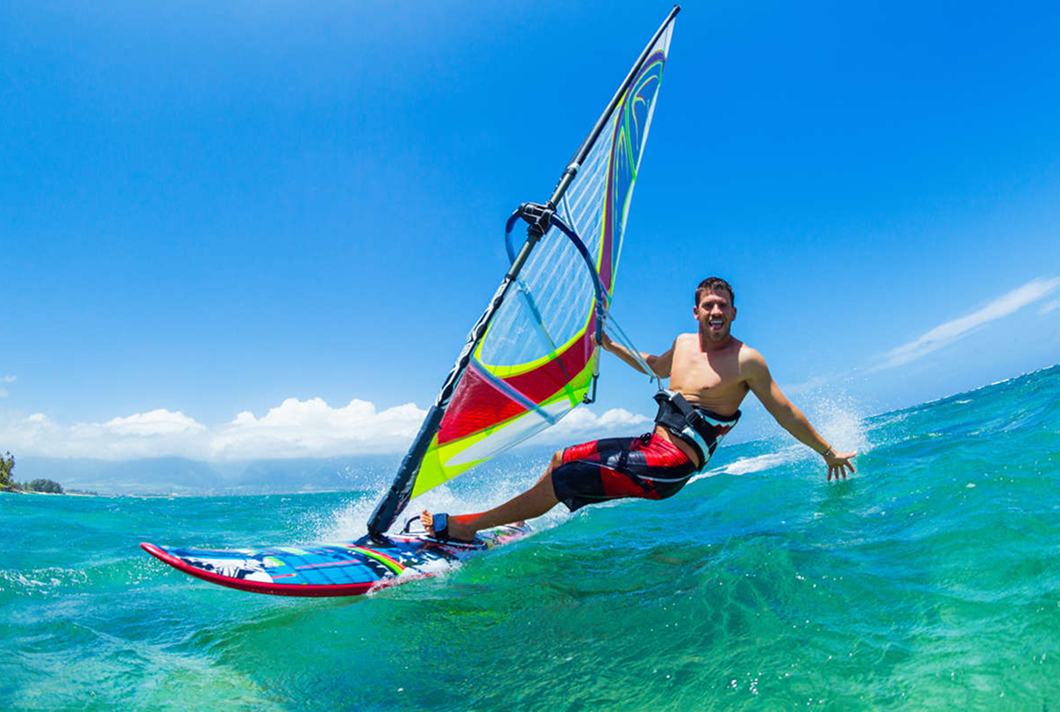
What Waterspeed tracks for windsurf
- Best 2 s, 10 s and 500 m speed
- Gybes count and speed
- Planing time
- Distance and duration
- GPS-Speedsurfing upload
Features for windsurf
Record windsurf with
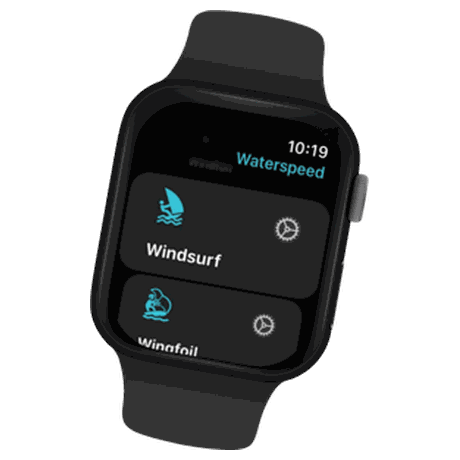 Apple WatchReal-time performance. Instant tracking. Built for life on the water.
 GarminRecord on your Garmin, analyse in Waterspeed.
 COROSAutomatic activity import for all your watersports sessions.
 SuuntoAutomatic activity import for all your watersports sessions.GPS-SpeedsurfingSend your sessions to GPS-Speedsurfing.com and compare your speeds worldwide.
Garmin activity profile: Windsurfing
Leaderboard
The windsurf leaderboard ranks Waterspeed riders worldwide, by region and by country, and updates every 6 hours.
Last updated: November 3, 2026
How to measure your top speed windsurfing
- Wear a GPS watch (Apple Watch, Garmin, Wear OS) or carry your phone in a waterproof pouch.
- Start a Windsurfing session in Waterspeed, or record with Garmin's Windsurfing profile.
- Sail. The watch shows live speed.
- After the session, open Best Speeds for your 2 s peak, 10 s average, 500 m and nautical mile.
Best speeds Waterspeed records
| Window | Typical use |
|---|---|
| 2 seconds | Peak speed |
| 10 seconds | The common speedsurfing ranking metric |
| 100 m and 500 m | Speed runs |
| Nautical mile | Endurance speed |
| 1 hour | Distance per hour |
| Alpha 250 m, 500 m, 1 km | Speed through a gybe-and-return run, the speedsurfing alpha format (web and Android) |
Gybes
Every gybe is marked on the map with entry and exit speed, so you can see which ones you planed through.
Devices
| Device | Notes |
|---|---|
| Apple Watch Ultra | Dual-frequency GPS, records without the phone |
| Garmin | Windsurfing profile (also for windfoil) or the Waterspeed Connect IQ app; syncs automatically |
| Wear OS 3.0+ | Records on the watch, syncs to the app |
| Coros, Suunto | Sessions sync automatically |
| Phone | In a waterproof pouch |
Upload to GPS-Speedsurfing and Strava
Connect your GPS-Speedsurfing account in Settings, then open a session, tap Share and choose Send to GPS-Speedsurfing. For Strava, sign in from Settings (Strava Login) and choose automatic upload after every session, or use Send to Strava from the session page. Both need Waterspeed Pro.
GPS-Speedsurfing asks for GPS data at least every 2 seconds and no acceleration above 3 knots per second; older devices such as an Apple Watch 6 or an iPhone X may not meet this. It marks sessions from its approved devices (Coros Vertix 2, Vertix 2S, Apex 2 and Apex Pro 2, recent Garmin multi-band watches with an Airoha or Synaptics chipset, and dedicated GPS loggers) with a green icon and sessions from any other device with a yellow one.
Questions
What does Waterspeed track for windsurf?
Best 2 s, 10 s and 500 m speed, gybes count and speed, planing time, distance and duration and GPS-Speedsurfing upload.
Can I record windsurf with my watch?
Yes, with Apple Watch, Garmin, COROS and Suunto. On Garmin, use the Windsurfing activity profile.
Is Waterspeed free for windsurf?
Yes. Recording is free and unlimited, with every number unlocked on your first 5 sessions. Pro and Ultra unlock full data and advanced analysis.
How do I upload a session to GPS-Speedsurfing?
Log in to your GPS-Speedsurfing account from the Settings tab in Waterspeed. Then open the activity, tap Share and choose Send to GPS-Speedsurfing. Uploading is part of Waterspeed Pro.
Will GPS-Speedsurfing accept sessions from my watch or phone?
GPS-Speedsurfing accepts data recorded at least every 2 seconds, with acceleration no higher than 3 knots per second, and removes sessions that do not meet these rules. Older devices such as an Apple Watch 6 or an iPhone X may not meet them.
Does Waterspeed calculate alpha speeds?
Yes. The web app and the Android app calculate alpha speeds over 250 m, 500 m and 1 km for Windsurfing, Wingfoil and similar sports.
How do I remove a wrong top speed from a session?
On iPhone, open the activity and use Remove Max speed, which deletes the top speed point with a few points around it. Clone & Remove Spikes makes a copy of the track and tries to remove other GPS errors, so the original stays as it was.
Related sports
Your next windsurf session, recorded and explained.