App
Waterspeed × Strava
Share your sessions to Strava automatically.
Connect Strava once and every Waterspeed session is posted to your Strava feed, so your friends see it where they already are.
Available oniOSAndroid



How to connect
- 1
In Waterspeed, open Profile, then Settings.
- 2
Tap Strava and sign in.
- 3
Choose automatic upload.
- 4
Your next sessions appear on Strava.
Data in Waterspeed
- GPS track
- Distance and duration
- Speed
Best for
Questions
How do I connect Strava?
In Waterspeed, open Profile, then Settings. Tap Strava and sign in. Choose automatic upload. Your next sessions appear on Strava.
Is the Strava integration free?
Yes, connecting Strava is free. Waterspeed Pro unlocks full data on every session.
Which sports can I record with Strava?
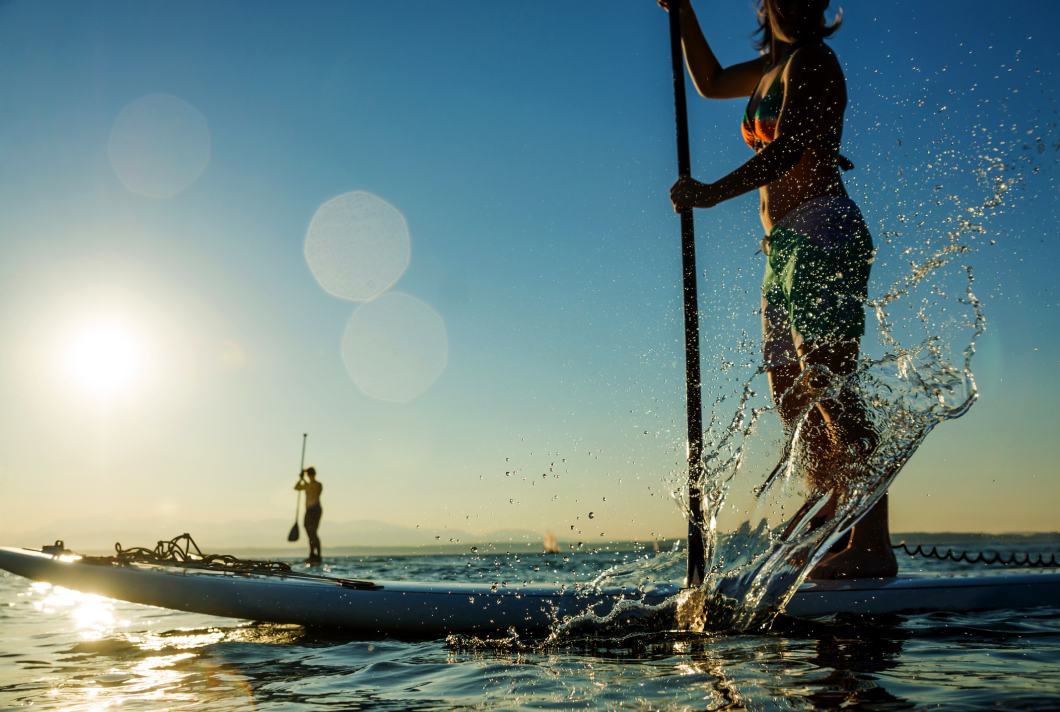
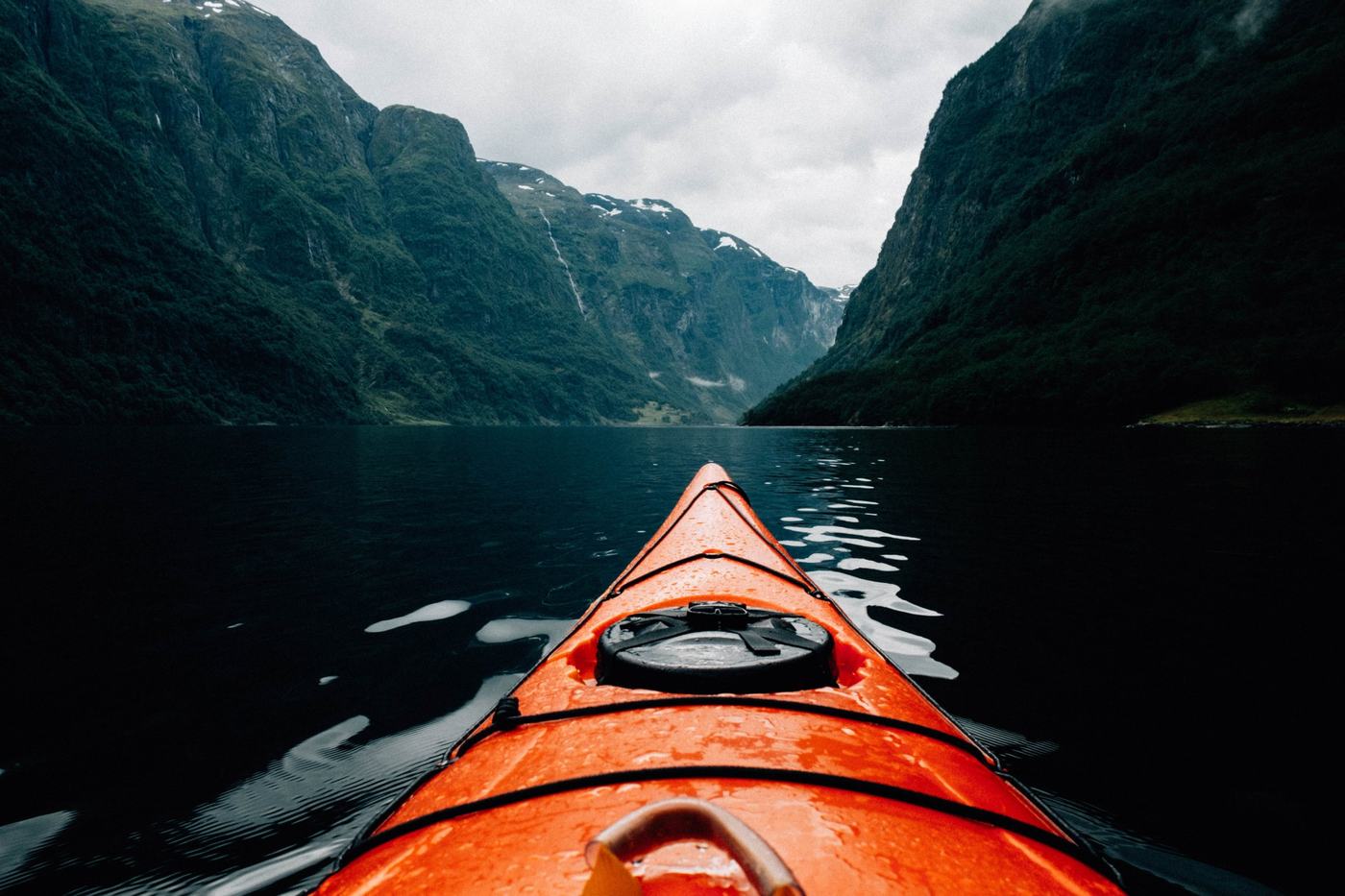
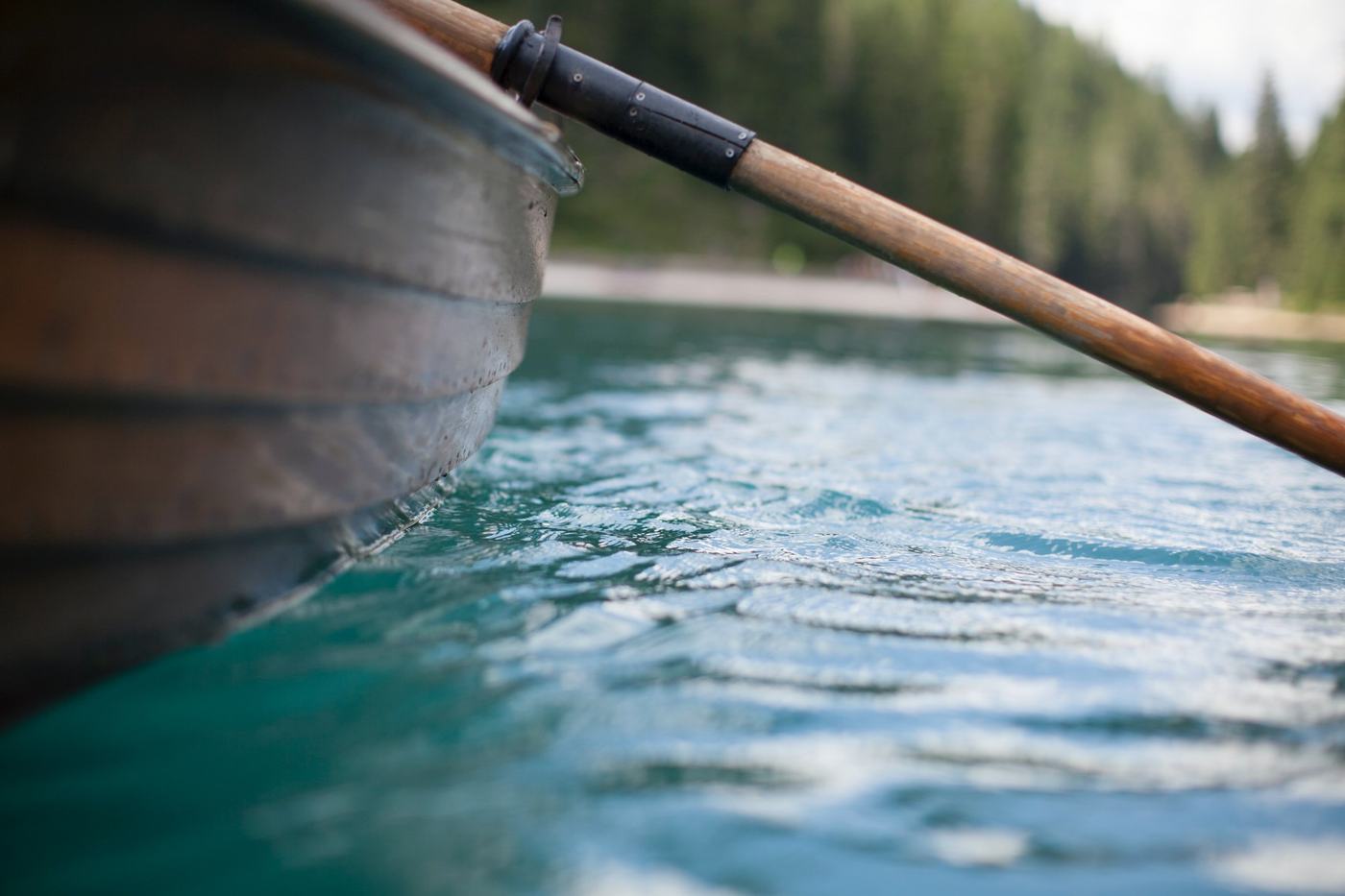
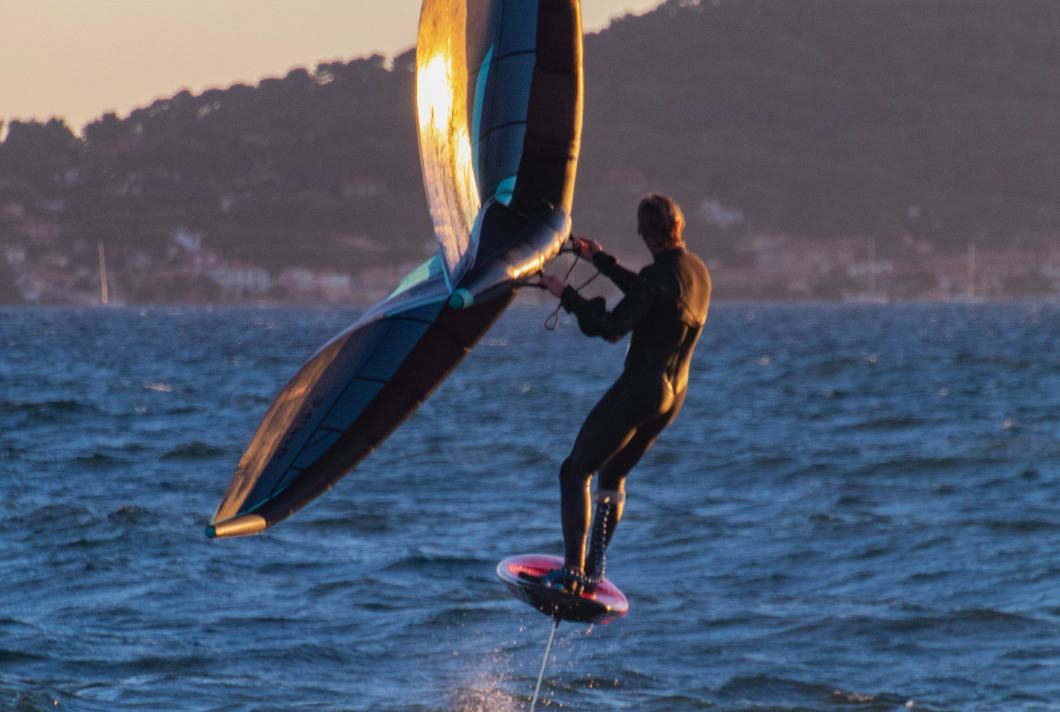
Stand up paddle, kayak, rowing and wingfoil.
Other integrations
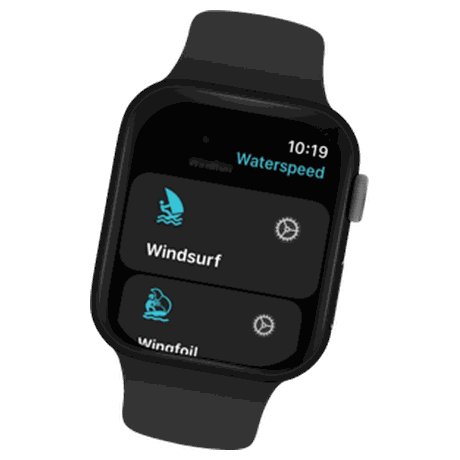 Apple WatchReal-time performance. Instant tracking. Built for life on the water.
 GarminRecord on your Garmin, analyse in Waterspeed.
 COROSAutomatic activity import for all your watersports sessions.
 SuuntoAutomatic activity import for all your watersports sessions.VakarosBring your Vakaros Atlas data into Waterspeed.
 Wear OSRecord your sessions from your wrist on Android watches.
Free to start. Your first 5 sessions with every number unlocked.