Waterspeed × Wear OS
Track your sessions directly from your smartwatch and capture every moment on the water.
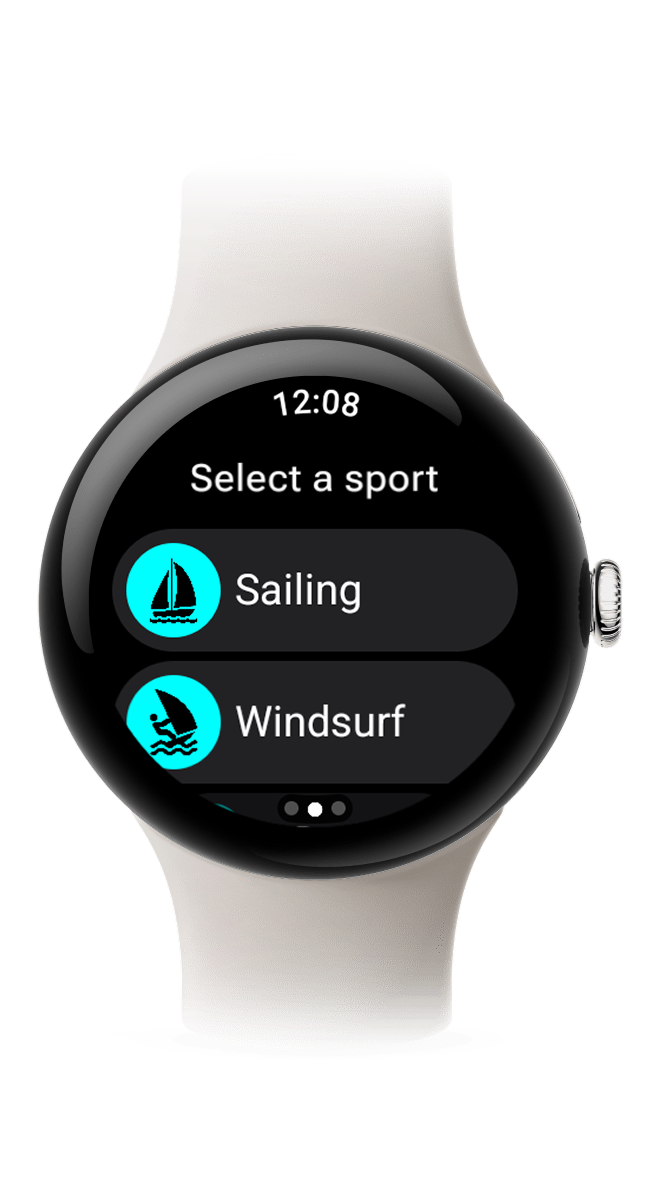
Waterspeed is now available on Wear OS, allowing riders to track their sessions directly from their smartwatch.
Compatibility
Waterspeed supports Wear OS 3.0 and above.
Setup
Setting up Waterspeed on your Wear OS device is simple.
If you are already signed in to your Waterspeed account on your phone when pairing your wearable device, you will automatically be signed in to your profile on the Waterspeed Wear OS app.
If you are not signed in to your Waterspeed profile on your phone when setting up the Waterspeed Wear OS app, you will be prompted to complete the authentication process on your phone.
How to download the app on your Wear OS watch
You can install Waterspeed on your smartwatch directly from the Google Play Store.
Option 1 — From your watch
Open the Play Store on your Wear OS watch
Search for Waterspeed
Tap Install
Option 2 — From your phone
Open the Google Play Store on your Android phone
Search for Waterspeed
Select your Wear OS watch as the device
Tap Install
Once installed, simply open the app on your watch and start tracking your session.
How it works
Once the app is installed on your Wear OS device:
Open the Waterspeed app on your watch
Start recording your session
Your activity will automatically sync with your Waterspeed account
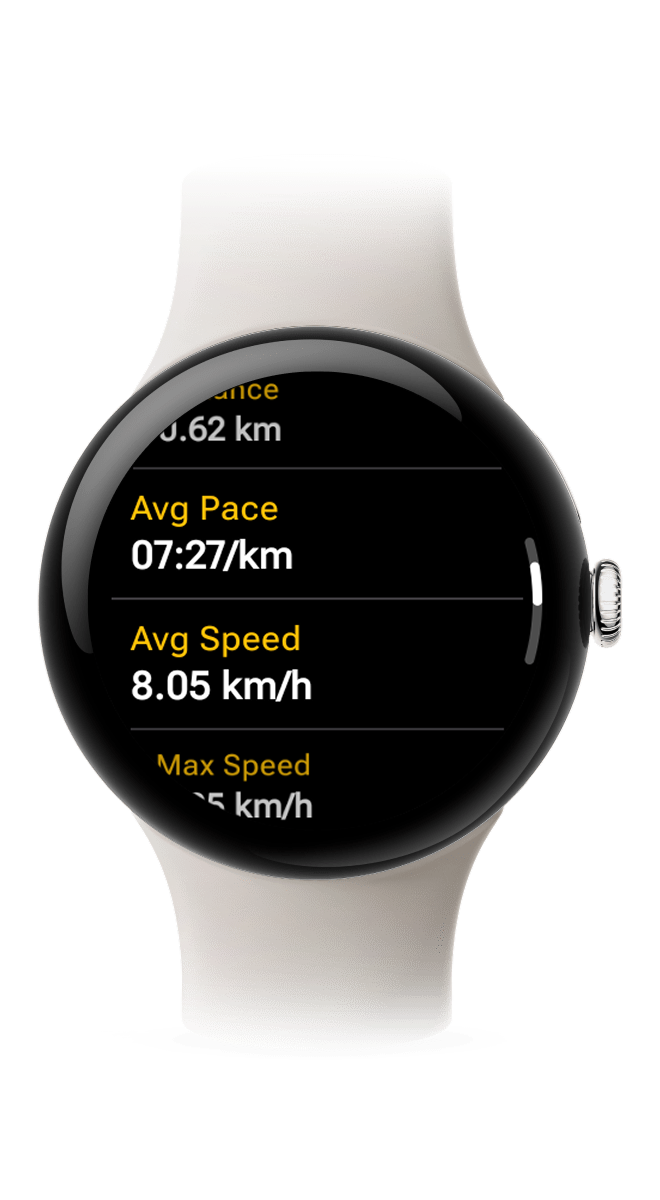
From there, you can review your full session inside the Waterspeed mobile app with maps, speed metrics, and performance insights.
Why track with Wear OS
Tracking with your smartwatch allows you to:
• Record sessions directly from your wrist
• Capture GPS tracks and session data
• Sync sessions seamlessly with Waterspeed
• Review your performance later with advanced analytics