
4 steps to set up your device for better sessions
Good sessions don’t only depend on wind and conditions.
They also depend on something riders rarely think about: how their device is set up to capture the session.
Not just boards or sails — but the devices recording the ride.
Here, we’ll focus on something different: your tracking setup.
1. Choose your recording device
Before anything else, decide which device will record your session.
For most riders, that will be one of these:
A smartwatch (Garmin, Apple Watch, COROS, Suunto)
A sailing instrument like Vakaros
Or simply your phone
If you’re using your phone, make sure it’s stored in a secure waterproof pouch or pocket where it can still maintain a good GPS signal.
The key idea is simple: Choose one primary recording device and stick with it.
Recording the same session on multiple devices often creates duplicated tracks or slightly different speed readings later.
One clean recording → cleaner session data.
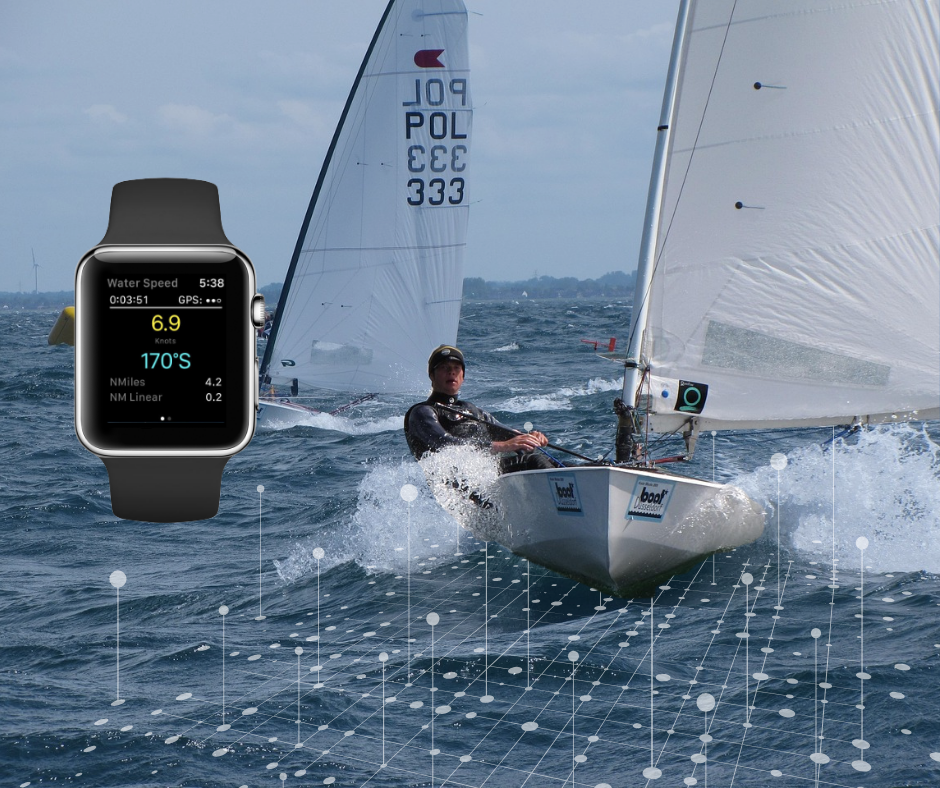
2. Make sure your device has a clear GPS signal
Water sessions often start near cliffs, buildings, or harbors — all places where GPS signals can take longer to stabilize. If you press Start immediately, the first minutes of your track can be inaccurate.
A simple habit helps:
Wait a few seconds for the device to fully lock onto satellites before launching.
Most riders don’t notice this step, but it improves the accuracy of:
speed measurements
GPS tracks
maneuver detection
Small detail, big difference.
3. Use the right recording mode
Many devices offer multiple sport profiles. And surprisingly, they matter.
Recording a sailing session under “Other” or “Outdoor Activity” may still capture GPS — but it often change how speed, distance, or movement are interpreted.
Using the correct profile helps ensure the session data is structured correctly from the start.
It’s one of the easiest ways to avoid messy tracks later.
4. Let your data flow automatically
After a session, most riders don’t want to spend time exporting files.
The smoother approach is to connect your devices once and let the sessions appear automatically.
Many riders today record on:
When connected, those sessions can simply show up in your activity history — ready to review later.
Conditions change.
Wind shifts.
Runs come and go.
But if your setup is right, the session leaves something behind: a clear track of what actually happened on the water. And sometimes that’s exactly what you need to make the next session even better.
